

How to compress a PDF to 100 KB
Open Compress PDF
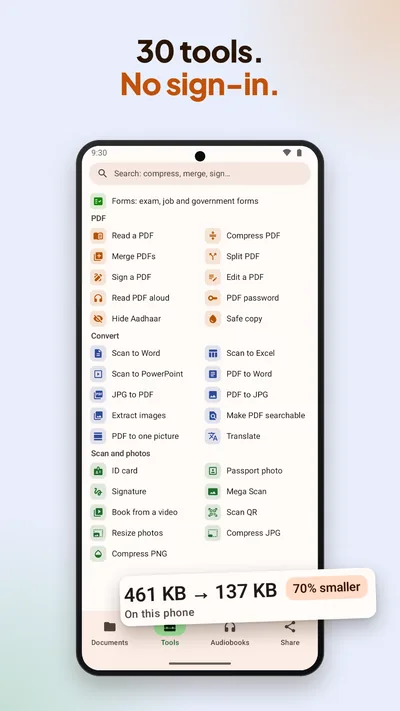
In BharatScanner, go to Tools › Compress PDF and pick a PDF on your phone, or start from a scan in the app.
Pick the limit
Choose 100 KB, 200 KB, 300 KB, 500 KB, 1.0 MB or 2.0 MB, or type a limit in KB. If a form also has a minimum, add it under At least (KB).
Make it smaller
Tap Make it under 100 KB. If the PDF can't get that small with its text still readable, you get the smallest readable copy and a tip: split the PDF into parts.
Keep the original
Save the small copy next to the original, or replace the original if you're sure. Then share it to WhatsApp or email.
Photos and scans too
- Compress JPG and Compress PNG shrink up to 100 photos at once: under 20, 50, 100, 200 or 500 KB, 1 MB, or any size from 5 to 20,000 KB. The originals stay as they were.
- Make smaller frees up space on scans already in the app. It shows each page before and after, then keeps the smaller one, with undo, or both.
- Merge, split, and lock a PDF with a password are in Tools too.