

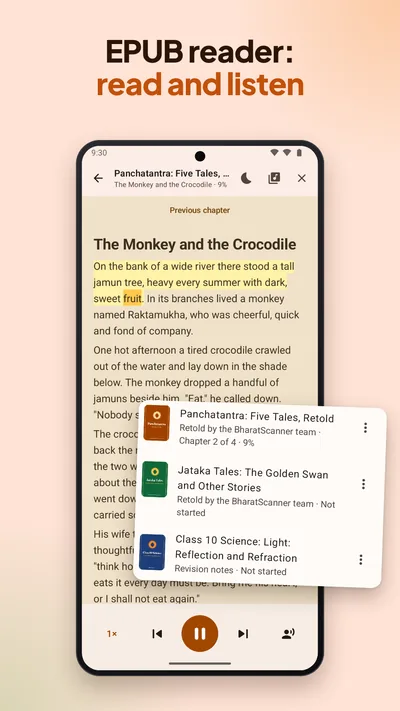
How to listen to a PDF
Open it and tap Listen
Open a PDF or a scan in BharatScanner and tap Listen, or go to Books › Listen to a PDF. It starts at the page on screen; tap any line to read from there.
Listen your way
Choose a speed from 0.75× to 2×, skip to the previous or next sentence, and set a sleep timer of 15 to 60 minutes.
Put the phone away
It keeps reading with the screen off. Pause, skip or stop from the notification, the lock screen or your headphones.
Mark what matters
Highlight in yellow, green or pink and add notes as you listen, then share them as a PDF, a Word file or a message.
Make an audiobook
Tap Make audiobook and the whole document is recorded on your phone. It goes on if you close the app. Save to Music or share it: one audio file, about 29 MB an hour.
Voices and languages
- English in an English voice and Hindi in a Hindi voice, from your phone's own Google voices: free, no download.
- Natural voices for English: 25 voices with US and UK accents that sound like a person reading. About 60 MB, once, for 64-bit phones, then offline.
- Works with PDFs, your scans and EPUB books.