

How to resize a photo and signature for a form
Pick the form
Open BharatScanner, go to Tools › Forms and pick your exam or service: UPSC, SSC, IBPS, SBI, RRB, NEET, JEE Main, PAN, passport and more.
Take or choose the photo
Tap Photograph, then take a photo against a light wall or choose one from your gallery. The frame already has the form's shape.
Add your signature
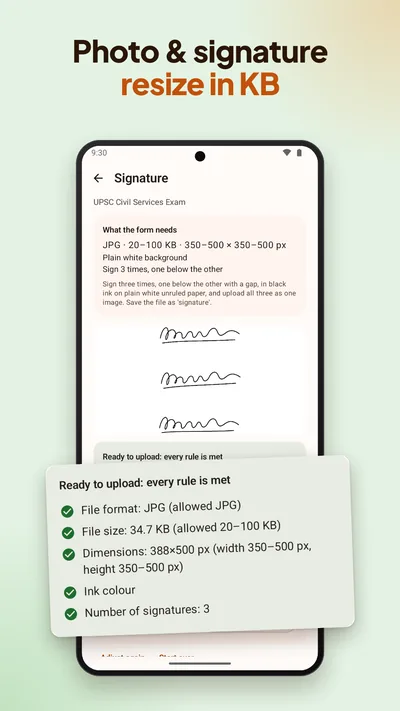
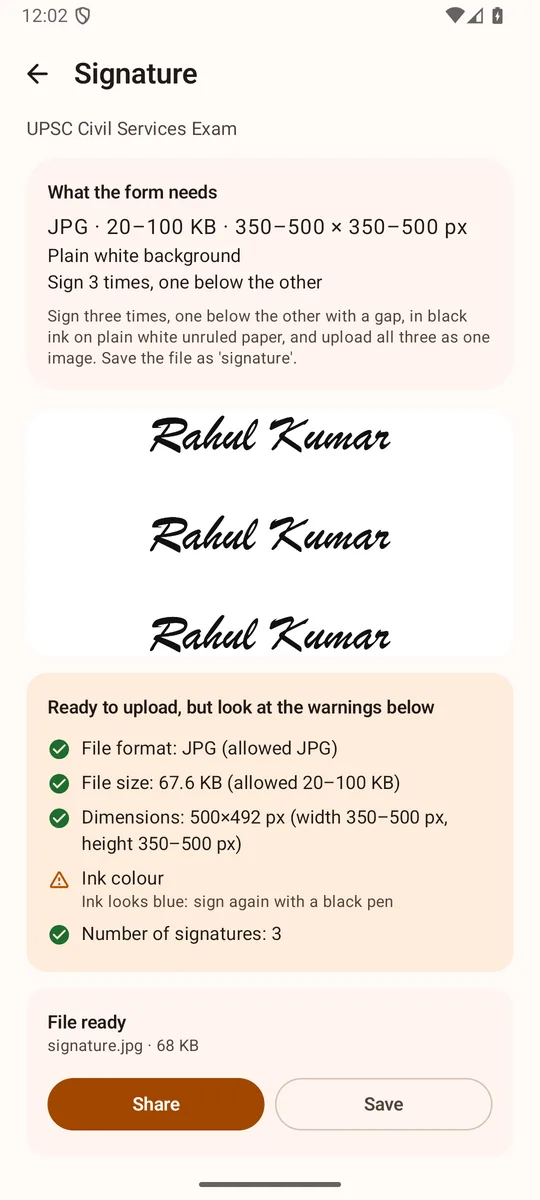
Tap Signature, sign on plain white paper and take a photo of it.
Let it check
BharatScanner makes each file within the form's limits and checks it on your phone: file format, file size and pixel size, then face size, sharpness and light for a photo, and ink colour, capital letters and how much of the box it fills for a signature. Anything off shows up as a warning now, not as a rejection later.
Send the files
They're named after each upload, like photo.jpg and signature.jpg. Save them, or send all the ready files to WhatsApp in one tap.
Not on the list?
- Custom size takes any rule: a photo, signature or document, JPG or PNG (PDF or JPG for a document), a smallest and largest size in KB, and a width and height in pixels.
- Resize photos makes a batch of photos smaller, each under 20, 50, 100, 200, 500 or 1024 KB or a limit you type.
- The Signature tool lifts your signature off the paper as a transparent PNG for documents and a JPG on white for forms.
Photo and signature sizes, form by form
Each form's sizes, from its official notice, as the app checks them.
Exams and jobs 25
- UPSC Civil ServicesUPSC
- UPSC NDA, CDS, CAPF, ESEUPSC
- SSC CGLSSC
- SSC CHSLSSC
- SSC MTSSSC
- SSC GD ConstableSSC
- SSC CPOSSC
- IBPS POIBPS
- IBPS ClerkIBPS
- IBPS RRBIBPS
- IBPS SOIBPS
- SBI POState Bank of India
- SBI ClerkState Bank of India
- RBI Grade BReserve Bank of India
- RBI AssistantReserve Bank of India
- RRB NTPCRailways
- RRB Group DRailways
- RRB ALPRailways
- NEET UGNTA
- JEE MainNTA
- CUET UGNTA
- UGC NETNTA
- AgniveerIndian Army
- UPPSC OTRUttar Pradesh PSC
- BPSC CCEBihar PSC