

What the SSC CPO (Sub-Inspector in Delhi Police & CAPFs) form asks for
Signature
- JPG
- 10–20 KB
- Signature fills at least 80% of the box
Signature about 6.0 cm wide × 2.0 cm high that fills most of the box — very small signatures are the most common reason for rejection. (One page of the notice says 4.0 cm wide; check the latest notice.) Your photo is captured live on the portal (webcam, or the SSC app via the QR code); it is not uploaded.
Make the files on your phone
Pick the form
Open BharatScanner, go to Tools › Forms and pick SSC CPO (Sub-Inspector in Delhi Police & CAPFs). It lists every upload: Signature.
Add your signature
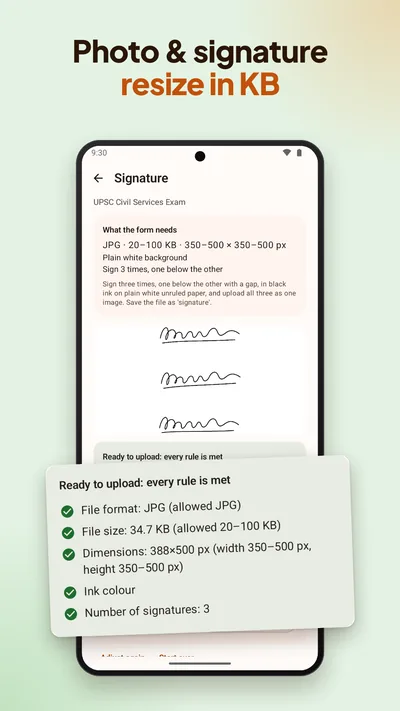
Sign on plain white paper, then tap Signature and take a photo of it, or choose one from your gallery.
Let it check
BharatScanner makes each file within the form's limits and checks it on your phone: file format, file size and how much of the box the signature fills. Anything off shows up as a warning before you upload.
Send the files
Each file is named after its upload, like photo.jpg. Save them, or send all the ready files to WhatsApp in one tap.
Rules kept current
BharatScanner checked these rules against the official notice on 24 October 2026. When a notice changes, the app can get the new sizes without an app update. Rules change, so always check the latest official notice before you submit.